
Hours and call routing
Have calls ring your phone first, or ring you only when you're open. Press 1 to take the call; if you don't, your AI answers. Add holidays, or switch on Closed today.
Have calls ring your phone first, or only while you're open. Press 1 to take a call; if you don't, your AI answers. VIP callers skip the spam screen and ring you at any hour, and when you can't pick up, your AI takes a message with the urgent ones first.

For Android phones and tablets. The iPhone and iPad version isn’t on the App Store yet.
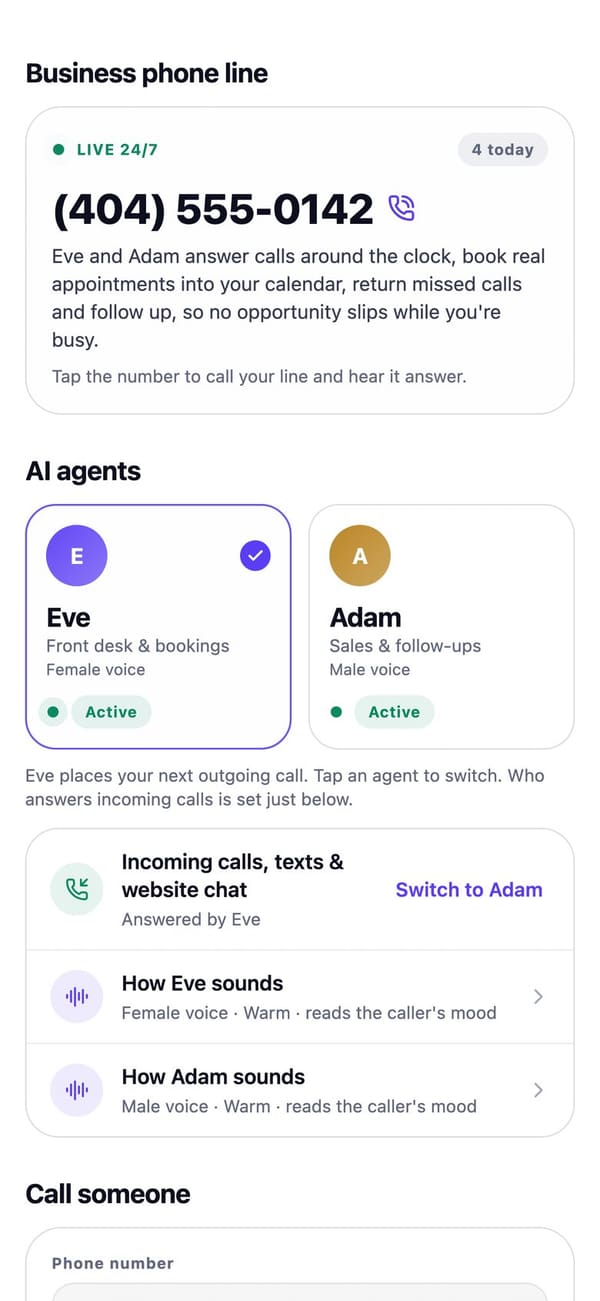
Real RaimCalls screens with a made-up sample business. Your screens show your own business, and layouts can differ slightly between app versions.
How it works
Under Hours & call routing: your AI answers every call, Ring my phone first, or Ring me when open. Add holidays, or switch on Closed today.
When your phone rings first you hear who the call is for, and a VIP's name, before you press 1. The caller doesn't hear it.
If you don't press 1, your AI answers as usual and takes the caller's name, callback number, what it's about and how urgent it is.
What you get
Have calls ring your phone first, or ring you only when you're open. Press 1 to take the call; if you don't, your AI answers. Add holidays, or switch on Closed today.
People you always want to hear from skip the spam screen and ring your phone first, at any hour. You hear their name before you press 1.
Your AI takes the caller's name, callback number, what it's about and how urgent it is. An urgent message also sends you a notification.
A spam shield, plus the numbers you've blocked, in one place.
An urgent message also sends you a notification at once, showing only "Urgent message from" and the caller's first name on the lock screen. Your quiet hours apply.
Ground rules
Plans
Needs a business line, which comes with Foundation at $17.99 a month and up. Personal has no business number.
| Plan | Personal | Foundation | Rise | Reign | Legacy |
|---|---|---|---|---|---|
| Price a month | $9.99 | $17.99 | $43.99 | $87.99 | $169.99 |
| Live AI voice minutes a month | Not included | 45 | 125 | 250 | 520 |
FAQ
Yes. Under Hours & call routing choose Ring my phone first, or Ring me when open. Press 1 to take the call; if you don't, the AI answers.
Add them as VIP callers, or turn on VIP caller on their customer card. A VIP's call skips the spam screen and rings the phone you set first, at any hour and on holidays. You hear "Your VIP caller" and their name before you press 1.
Every message is in Settings, Messages and on Today under Needs you. Tap Call back to ring them from your business line, then Mark done. An urgent one also notifies you straight away.
In Business hours, turn on Closed today. For future dates, add holidays under Hours & call routing. On those days the AI answers every call.

The future picks up.
Let your AI take the calls you'd rather not make, while your business line, your admin and your people stay one tap away.
For Android phones and tablets. The iPhone and iPad version isn’t on the App Store yet.
Plans from $9.99 a month. Answering an app call is always free. See plans and pricing.