
Get paid with Stripe
Connect Stripe to take payments and send payment links.
Connect Stripe with Get paid to take payments and send payment links. Set a deposit on a service and your AI asks if it may text a secure link after booking. Or add your own bank or payment link as a pay card and share it.

For Android phones and tablets. The iPhone and iPad version isn’t on the App Store yet.
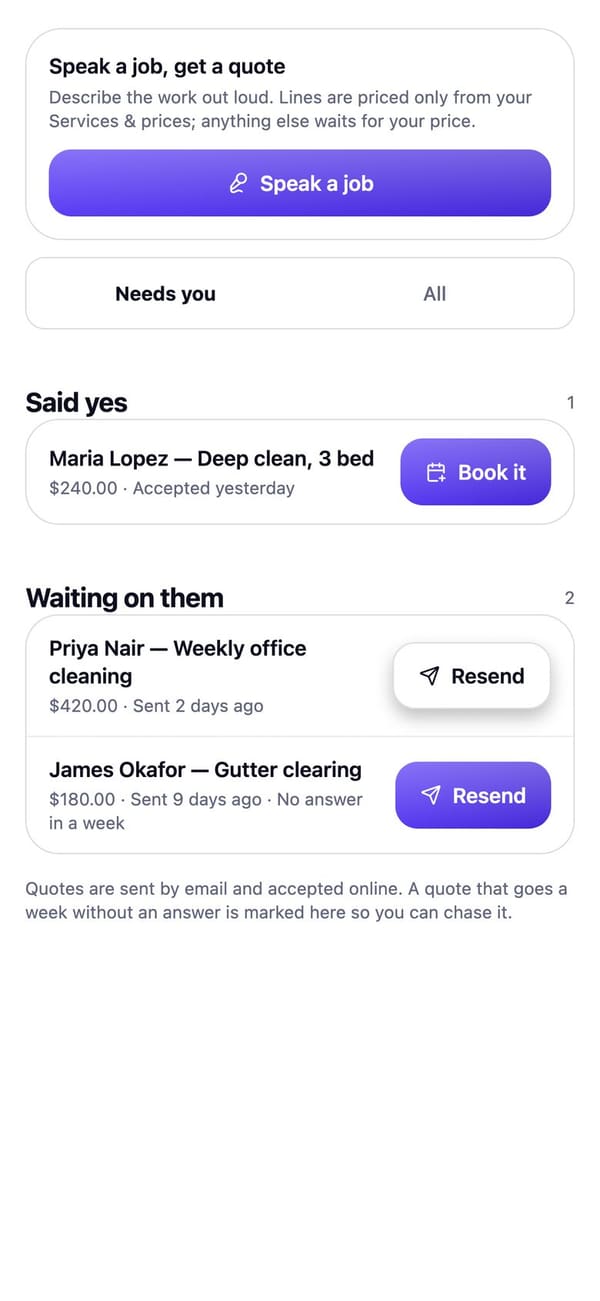
Real RaimCalls screens with a made-up sample business. Your screens show your own business, and layouts can differ slightly between app versions.
How it works
In Settings, Get paid, connect Stripe to take payments and send payment links.
Add a deposit to a service. After booking it on a call, your AI asks if it may text a secure payment link and sends it only after a yes.
Payments show in Get paid. With a pay card, you mark it paid when the money arrives.
What you get
Connect Stripe to take payments and send payment links.
Set a deposit on a service. After booking, your AI asks if it may text a secure payment link. Card details are never taken on the phone. Needs Get paid connected.
Add your own bank, mobile money or payment link and share it with a customer. You mark it paid when the money arrives.
Friendly reminder texts for unpaid invoices on the due date and 3, 7 and 14 days after, stopping the moment it's paid.
Learn more about Payment remindersGround rules
Plans
Deposit links after a booking need a business line, which comes with Foundation and up.
FAQ
Connect Stripe in Settings, Get paid to take payments and send payment links. You see each payment in Get paid once it's made.
When your customers pay through a payment link on your connected account, ECONTEUR LLC keeps a 1.5% platform fee on each payment plus the processor's fees. The business is the seller and is responsible for refunds, disputes and taxes.
Your own bank details, mobile money or payment link, added in Get paid and shared with a customer. You mark it paid when the money arrives.

The future picks up.
Let your AI take the calls you'd rather not make, while your business line, your admin and your people stay one tap away.
For Android phones and tablets. The iPhone and iPad version isn’t on the App Store yet.
Plans from $9.99 a month. Answering an app call is always free. See plans and pricing.