
Department menu
Up to 6 options like Sales, Service or a person. Callers press 1, 2 or 3; the person you ring presses 1 to take the call, or your assistant takes a message.
Give callers up to 6 options, like Sales, Service or a person on your team, each with the phone to ring and when it may ring. Callers press 1, 2 or 3, or stay on the line to talk to your assistant instead.

For Android phones and tablets. The iPhone and iPad version isn’t on the App Store yet.
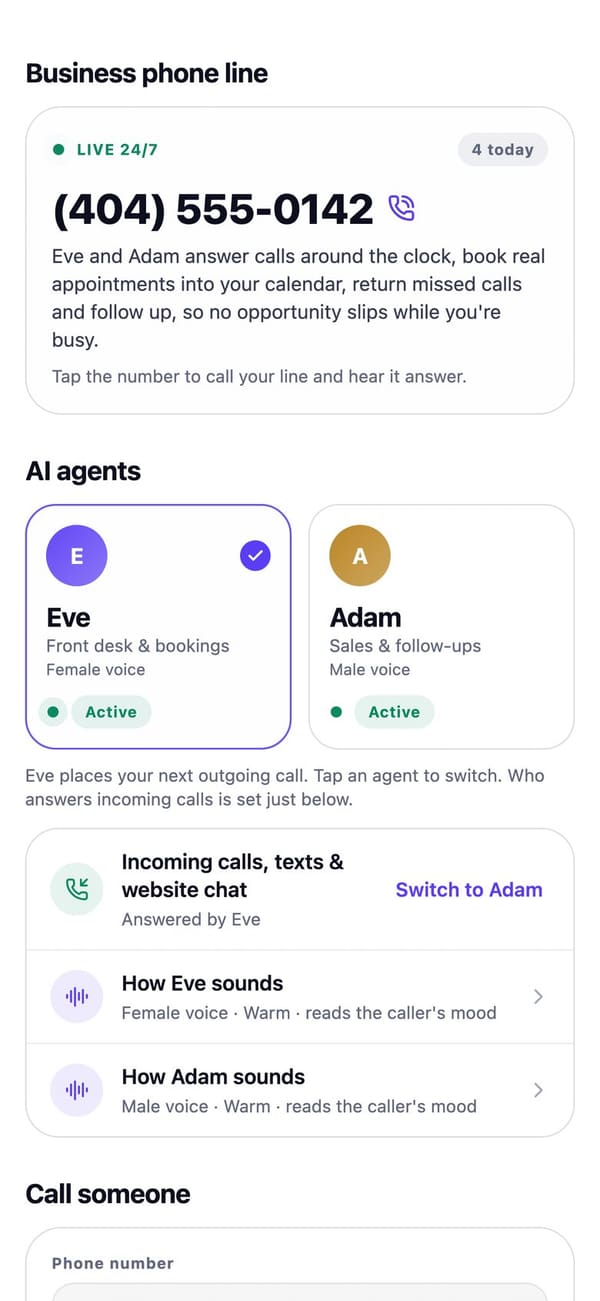
Real RaimCalls screens with a made-up sample business. Your screens show your own business, and layouts can differ slightly between app versions.
How it works
In Settings, Department menu, add up to 6 options, each with the phone to ring and when: any time, or your business hours.
They hear the options before your assistant and press 1, 2 or 3, or stay on the line to talk to your assistant.
The person you ring hears who the call is for and presses 1 to take it. Outside its hours, or if nobody presses 1, your assistant takes a message.
What you get
Up to 6 options like Sales, Service or a person. Callers press 1, 2 or 3; the person you ring presses 1 to take the call, or your assistant takes a message.
Your AI takes the caller's name, callback number, what it's about and how urgent it is. An urgent message also sends you a notification.
Learn more about Messages, urgent ones firstHave calls ring your phone first, or ring you only when you're open. Press 1 to take the call; if you don't, your AI answers. Add holidays, or switch on Closed today.
Learn more about Hours and call routingGround rules
Plans
Needs a business line, which comes with Foundation at $17.99 a month and up. Personal has no business number.
| Plan | Personal | Foundation | Rise | Reign | Legacy |
|---|---|---|---|---|---|
| Price a month | $9.99 | $17.99 | $43.99 | $87.99 | $169.99 |
| Live AI voice minutes a month | Not included | 45 | 125 | 250 | 520 |
FAQ
Yes. In Settings, Department menu, add up to 6 options, each with the phone to ring and when it may ring. Callers press 1, 2 or 3, or stay on the line to talk to your assistant instead.
You hear who the call is for, then "Press 1 to take the call." The caller doesn't hear it. If you don't press 1, or nobody answers, the caller goes back to your AI and a message is left for you.
Outside an option's hours, your assistant takes a message for that person instead of ringing them.

The future picks up.
Let your AI take the calls you'd rather not make, while your business line, your admin and your people stay one tap away.
For Android phones and tablets. The iPhone and iPad version isn’t on the App Store yet.
Plans from $9.99 a month. Answering an app call is always free. See plans and pricing.